Artificial Imagination: A Comprehensive Guide To AI Art
In the realm of artistic creation, a new player has entered the scene—AI art generators. If you’ve ever been curious to explore your creative side but felt limited by your drawing skills, artificial intelligence offers an intriguing solution.
The rise of AI-generated art is transforming how we think about and create visual artworks. Did you know that AI art generators like Midjourney, DALL-E, and Stable Diffusion are creating waves with around three million images generated daily? This staggering figure showcases the growing popularity and potential of machine-made artwork.
This article will guide you through harnessing this powerful tech tool to unleash a world of imagination at your fingertips—no paintbrush required. With practical tips and detailed insights, we’ll help simplify this high-tech subject so that even those without a technology background can jump in and start creating. Get ready to produce awe-inspiring digital canvases as we embark on an artful journey together! Let’s dive into the future of creativity.
Key Takeaways
- AI art generators like DALL-E, Stable Diffusion, Midjourney, DeepArt, NightCafe, Img2Go, and ArtSmart enable individuals to create stunning digital artworks without advanced drawing skills.
- Crafting effective prompts with descriptive elements guides the AI art generator to produce compelling and unique outputs aligned with the creator’s vision.
- Advanced techniques such as outpainting, upscaling, and refining through post-processing tools elevate AI-generated artworks’ quality and aesthetic appeal.
Understanding AI Art Generators
Explore popular AI art generators and their key features. Learn how these tools can enhance your creative process and produce unique artistic expressions.
Popular AI Art Generators
AI art generators are tools that turn your ideas into pictures. They use machine learning algorithms and deep neural networks to make art from words (or prompts) you give them.
- DALL-E: OpenAI’s generator is famous for creating high-quality, creative images from text prompts. It uses a particular system named deep learning to understand your words and turn them into unique art.
- Midjourney: If you’re looking for an art generator that gives you more control over the style, Midjourney might be what you need. It’s hosted on a Discord server, where people chat and share ideas.
- DeepArt: This one is perfect if you want to make your photos look like famous paintings. DeepArt uses something called “style transfer” to copy the look of great artists onto your pictures.
- NightCafe: With NightCafe, you can create many kinds of art without any cost. It’s easy to use and lets anyone make fantastic pictures, even without experience.
- Img2Go: Another free tool, Img2Go, is quick and straightforward for making art from text. Give it a try if you don’t know much about AI or are just playing around.
Key Features to Look For
Choosing the right AI art generator can make a big difference in your creative journey. Focus on these key features to ensure you get the most out of your art-making experience.
- User Interface: Look for a clean and simple design that makes it easy to navigate. A user-friendly interface helps you create without getting stuck on how things work.
- High-Quality Images: The ability to produce precise, detailed pictures is a must. Generators with high-resolution output let you create works that look great even when printed.
- Variety of Art Styles: Find generators that offer a wide range of styles. This way, you can experiment with different looks and find your unique voice in AI-generated artwork.
- Customization Options: Go for generators that allow you to tweak settings. Control over features like color, brightness, and contrast means more personalized art.
- Prompt Flexibility: You want software that understands complex prompts well. This means your descriptive requests turn into the kind of artwork you envision.
- Speed and Performance: Pick an AI art generator that works fast without losing quality. You don’t want to wait too long for your masterpiece!
- Learning Resources: Choose platforms that provide tutorials or help guides, especially if you’re new to AI art creation.
- Regular Updates: Go with programs that get frequent updates so you can always enjoy the latest features and improvements in artificial intelligence technology.
- Community and Support: It’s great if an active online community or customer support is available when you need help or inspiration for your projects.
- Preview Capability: An option to preview your artwork before it fully renders saves time and lets you make quick adjustments as needed.
Crafting Effective Prompts for AI Art
Crafting effective prompts for AI art involves understanding the nuances of machine learning algorithms and neural networks to generate compelling and unique outputs. You can guide the AI art generator toward creating pieces that align with your creative vision by focusing on specific themes, styles, or visual elements in your prompts.
Tips for Writing Prompts
- Start with the basics; type “Create …” and fill the dotted lines with whatever your imagination can come up with, and watch what the AI will come up with!
- You can also mimic the style of famous artists by typing “…in the style of …” and inserting the name of the artist you’d like the AI to imitate.
- Be specific. The more details you feed into the image generator through your prompts, the more it will closely resemble what you have in mind.
- Use an image as a reference. Most AI image generators allow you to upload an image as an example, giving the AI a foundation.
Avoiding Common Mistakes
- Good prompts can make a big difference, but even with the best tips, it’s easy to slip up. Be clear and specific in your prompts to avoid common mistakes in AI art creation. Using vague or overly broad descriptions can lead to unexpected results that might not match what you envisioned.
- Check your spelling and grammar because errors can confuse the AI.
- Stay mindful of descriptive elements you include. Too many details may limit creativity, while too few may result in something far from what you wanted. Balance is critical for generating art that genuinely amazes you.
- Keep practicing and refining your prompts – each attempt teaches you more about communicating effectively with AI art generators!
Generating Your First Piece of AI Art
Use a simple prompt to start your AI art generation process. Begin by selecting the appropriate model and input your prompt. Then, wait for the AI to generate an initial piece of art based on your instructions.
Refine and edit the output as needed to achieve your desired result.
Step-by-Step Guide
To generate AI art, follow these steps:
- Write a clear and specific prompt with descriptive elements to guide the AI art generator based on your vision. This could include colors, themes, or emotions you want to convey.
- Consider using popular AI art generators like Midjourney or Bing’s image creator to create diverse and unique outputs.
- Choose a high-resolution setting for your AI art to ensure detailed and intricate results.
- Let your fantasies roam and type the first things that pop into your mind, or use existing artworks and add a twist. Your creations are only limited by your imagination!
Advanced Techniques in AI Art Creation
Utilize Midjourney’s advanced features to enhance and refine your AI-generated art. Implement outpainting and upscaling techniques to create stunning, high-quality pieces. Experiment with different machine learning algorithms to push the boundaries of what AI art can achieve.
Using Midjourney’s Advanced Features
Midjourney offers advanced features to create unique AI art pieces. It includes a text-to-image generator powered by generative AI, allowing users to guide image generation using specific prompts, uploaded images, and creative tags.
When crafting effective prompts for Midjourney, it’s important to be concise and descriptive while avoiding ambiguity. Additionally, you can use creative tags to steer the AI toward generating unconventional outputs.
The platform also offers options for upscaling, variations and re-running jobs to produce new images for editing and refining.
Implementing Outpainting and Upscaling
Implementing outpainting and upscaling techniques can help ensure high-quality results with AI art. Here’s how to make the most of these advanced features:
- Choose the highest resolution output to avoid pixelation in AI-generated art. This ensures sharp and detailed images suitable for various purposes.
- Third-party image upscaling software can be used if the AI generator doesn’t allow a resolution increase. This enables further enhancement of image quality, especially for larger display sizes.
- The outpainting tool in DALL-E allows for creating new AI-generated frames that seamlessly blend into the original artwork. This feature unlocks creativity by expanding and enhancing existing images.
- Changing the image’s dimensions can alter its feel, and different AI generators offer various options for changing aspect ratios. This flexibility allows for customization to suit specific artistic visions or practical applications.
- Use different dimensions to create desktop and mobile screensavers or images more suitable for websites. Tailoring artwork dimensions enhances its usability across various digital platforms.
- Some AI artists use Photoshop to fix asymmetrical facial features, incomplete limbs, and odd placements of objects in AI-generated images. Post-processing tools like Photoshop, Affinity Photo, Photopea, and Gimp (free) can help refine and perfect AI-generated art pieces.
Improving AI Art Quality
Select the correct resolution for your AI art to ensure high-quality output. Use post-processing software tools to refine and enhance the final result, creating visually stunning and impactful artwork.
Selecting the Right Resolution
When choosing the proper resolution for your AI-generated art, consider the level of detail and clarity you want in the final output. Different AI art generators come with varying capabilities that can impact the resolution of the images they produce.
It’s important to understand how these features translate into image quality and choose a resolution that aligns with your artistic vision and the capabilities of your selected AI art generator.
Focusing on selecting an appropriate resolution will ensure that your AI-generated artwork meets your artistic expectations while making the most of the functionalities offered by your chosen AI art generator.
Post-Processing with Software Tools
After selecting the right resolution, the next step is to enhance your AI art through post-processing with software tools. As mentioned above, software like Adobe Photoshop helps you refine your image with vibrant colors and remove details you don’t want, while image enhancers like MediaChance’s AI Photo & Art Enhancer can enlarge, sharpen, smoothen, and reduce noise. This stage allows you to refine and perfect your artwork for maximum impact and quality. Consider the following techniques when applying software tools:
- Refining Details: Adjust and refine fine details within the artwork, enhancing its overall visual appeal and coherence.
- Color Correction: Color balance, saturation, and contrast can be adjusted to ensure that the colors in your AI-generated art are vibrant and harmonious.
- Noise Reduction: Minimize unwanted digital noise or pixelation, resulting in a cleaner and more professional-looking final output.
- Adding Effects: Experiment with adding artistic effects using software tools to further enhance the aesthetic value of your AI-generated artwork.
- Cropping and Framing: Fine-tune the composition of your artwork by cropping and framing the image in a way that best highlights its focal points.
- Texturing: Explore texturing options provided by software tools to add depth and tactile qualities to your AI-generated art, creating a more immersive experience for viewers.
- Output Optimization: Optimize the final output based on intended display mediums or printing requirements, ensuring compatibility and high-quality presentation across various platforms.
- Experiment with Filters: Apply different filters to explore various artistic effects that align with your vision for the artwork.
Sharing and Collaborating in the AI Art Community
Connect with fellow AI art enthusiasts on various platforms such as social media, forums, and online galleries to share your work and collaborate on new projects. Seek inspiration and feedback from the community to improve your skills and expand your artistic horizons.
Finding Inspiration and Feedback
To find inspiration and feedback in the AI art community, follow these steps:
- Engage with other AI art enthusiasts to gain new perspectives and ideas for your work.
- Explore different platforms for showcasing AI art, such as social networks or specialized forums, to discover various creative styles and techniques.
- Seek feedback from fellow creators to improve your skills and understand how others interpret and respond to your AI-generated artwork.
- Attend virtual events or workshops focused on AI art to stay updated on the latest trends and techniques in the field.
- Collaborate with other creatives to exchange knowledge, share resources, and collectively push the boundaries of AI art creation.
- Experiment with diverse prompts and themes to challenge yourself and discover new sources of inspiration for your AI-generated pieces.
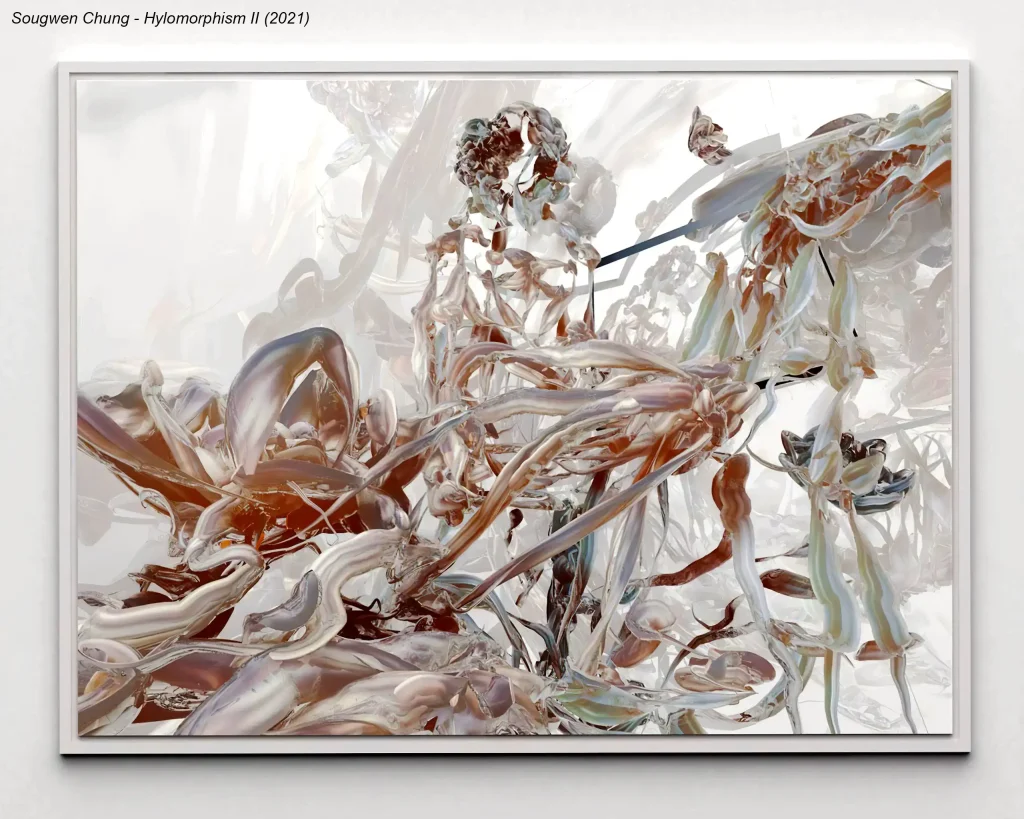
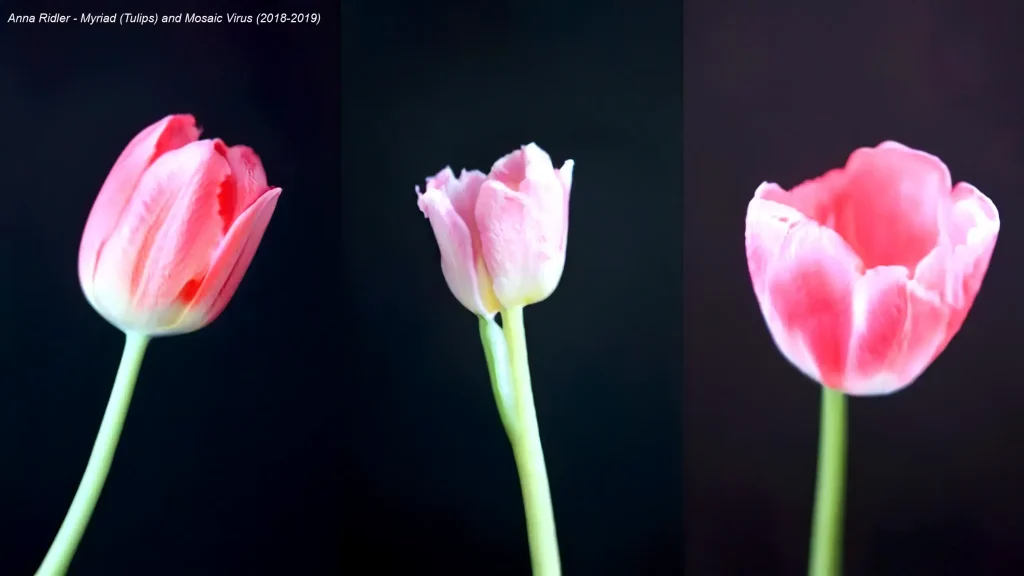
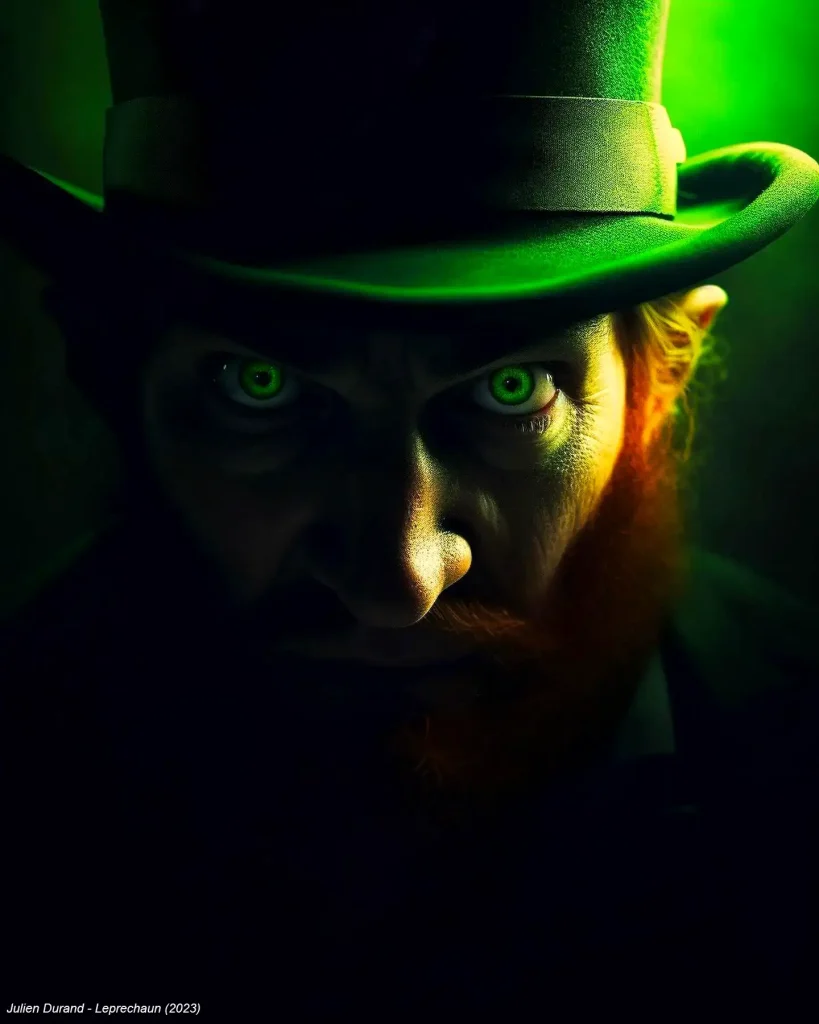
- Analyze the work of established AI artists like Anna Ridler, Sougwen Chung, or Julien Durand to learn from their approaches and gain insights into their creative processes.
Platforms for Showcasing AI Art
After finding inspiration and feedback from other AI artists in communities on Reddit and Discord, it’s essential to showcase your AI art on the right platforms. Here are some platforms where you can share and display your AI-generated artwork:
- ArtStation: A popular platform for showcasing digital art, including AI-generated pieces. It allows artists to create portfolios, connect with other professionals, and participate in community challenges.
- DeviantArt: A vibrant online community where artists can share their AI-generated art, receive feedback, and engage with a diverse audience of art enthusiasts.
- Instagram: A visually focused platform ideal for sharing individual works or series of AI art through posts or stories to reach a broad audience and engage with fellow artists.
- Behance: This platform offers an opportunity to showcase AI-generated art as part of a broader creative portfolio, allowing artists to gain exposure within the design and digital art community.
- OpenSea: As a leading marketplace for blockchain-based digital assets, including AI-generated art, it provides a space for artists to sell their unique creations as non-fungible tokens (NFTs).
- Pinterest: An image-centric social media platform where artists can create boards to showcase their AI-generated artworks, reaching users seeking visual inspiration across different categories.
- Your Own Website or Blog: Building a personal website or blog dedicated to your AI art enables you to curate and exhibit your work while maintaining complete control over its presentation and accessibility.
- Local Galleries or Exhibitions: Participating in local art galleries or exhibitions presents opportunities to showcase your AI-generated art within physical spaces, connecting with audiences offline.
Navigating Legal and Ethical Considerations
Understanding copyright issues is crucial in AI art creation, as it involves using machine learning techniques and AI-powered content creation that may raise intellectual property rights concerns.
Understanding Copyright Issues
Copyright issues may arise when creating AI art. As the use of AI technology to generate art continues to grow, questions about who owns the rights to these creations become increasingly important.
The impact of AI on copyright and intellectual property rights has raised concerns within the arts industry as it blurs traditional lines between human and machine creativity. With predictions that AI art will account for a significant portion of marketing images by 2025, addressing copyright challenges becomes essential.
New advancements in AI art generators like DALL-E and Stable Diffusion have further intensified discussions around copyright and intellectual property rights, highlighting the need for clear ethical guidelines in this emerging field.
AI-generated artwork raises complex legal and ethical considerations. Creators and consumers must understand their rights and responsibilities when engaging with AI-created content, especially concerning ownership, licensing, and fair use under copyright law.
Ethical Implications of AI in Art
AI in art raises ethical concerns around copyright and intellectual property rights. As AI creates artworks, questions arise about ownership and authorship. It challenges traditional notions of originality and creativity, impacting the livelihood of human artists.
Additionally, there are worries about bias and fairness in AI-generated art, as algorithms may perpetuate social or cultural stereotypes. Ethical guidelines and legal frameworks need to evolve with the advancements in AI art to ensure fair treatment for creators and subjects.
The growth of AI art brings forth the responsibility to navigate these ethical considerations thoughtfully. As technology continues to shape artistic creation, it’s crucial to address these implications proactively by establishing clear standards for attribution, managing biases within algorithms, and promoting transparency in AI-generated artwork processes while ensuring equitable opportunities for human artists amidst this evolving landscape.
Conclusion
AI art offers creative possibilities and efficiencies that blend human creativity with machine precision. The strategies shared in this guide empower enthusiasts to craft effective prompts, refine outputs, and improve the quality of AI-generated art.
By embracing practical techniques and exploring advanced tools like Midjourney, creators can quickly and easily bring their imaginative visions to life. How will you apply these insights to your next AI art project? Embrace the potential impact of leveraging AI technology in your artistic endeavors as you embark on this exciting creative journey!
FAQ
1. What is AI art?
AI art is made by machines like computers that use artificial intelligence. This kind of art can include pictures, music, or games created with the help of intelligent programs.
2. How do computers make AI-generated art and music?
Computers use special tools called generative adversarial networks (GANs) to make their own art and music. They learn from lots of examples to come up with new creations.
3. Can AI help artists and musicians work together better?
Yes! People who make art or music can work with AI for new ideas. This teamwork between humans and computers makes creating things fun and different.
4. Is there a way for me to see AI in action making something cool?
You sure can! Some apps like DeepDream let you see how computers dream up wild images using what they have learned.
5. Does this mean robots will be painters or musicians now?
Not quite—robots still need people to guide them on what looks good or sounds nice, but they can help make new kinds of fine art that we might not think about on our own.
6. Why do some people worry about computers making art?
The concern about computers making art can stem from various perspectives and considerations. Worries about creativity and authenticity, job displacement, loss of human touch, ethical and moral issues, and art devaluation are usually the main reasons for this apprehension.